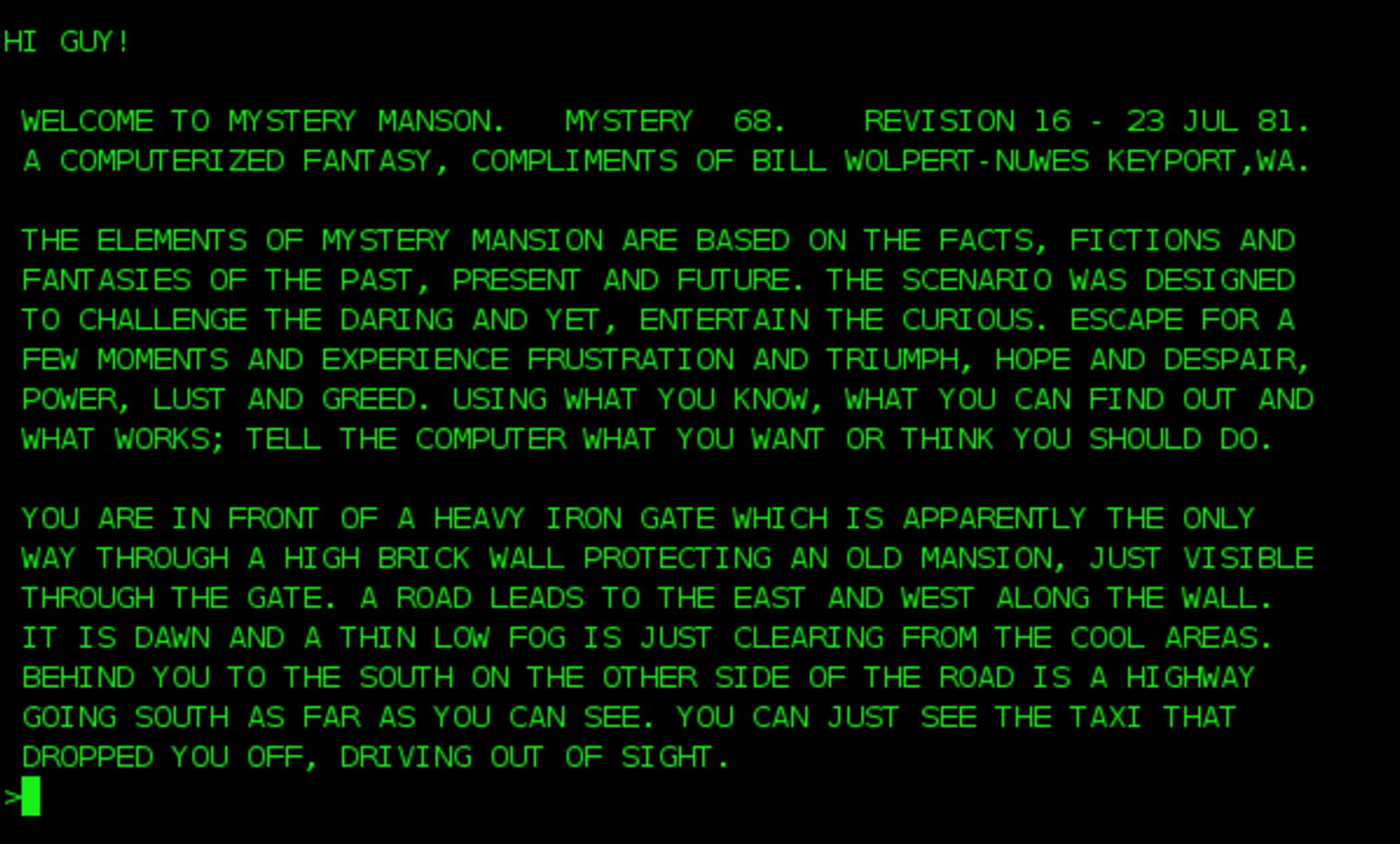
The PC era began with a black screen & a blinking cursor. This stark prompt was the only gateway, beckoning a user to test the computer’s power.
Today, the interface to AI looks identical : an empty text box & a blinking cursor.
| 1980s Command Line | 2020s AI Interface |
|---|---|
 |
 |
| Image credit: Newton Freehostia |
We’ve spent decades moving away from the command line, first to Windows & then to websites. Now we’re arriving right back where we started, albeit with a much smarter partner behind the box.
In the 1980s, critics of the graphical user interface & the mouse argued that the command line was all anyone needed. Windows & icons were distractions from the raw power of the machine. But that power came at a cost : arcane syntax. mkdir, ls, pbcopy, the incantations that separated technical users from everyone else.
“Help me develop a cracked CRM” is much more powerful than npm init. Colloquial English is all we need. The barrier isn’t memorizing commands; it’s knowing what to ask.
Is this empty text box controlled by a robotic genius enough? Do we need a user interface today?
There are lots of problems with working with AI, even with all the promise of agents that anticipate our every need. Crafting the right prompt isn’t obvious, small wording changes produce different outputs, & the prompts need to be updated for each new model release. AI is expensive, & many of us have hit limits. Most strikingly, we’re back to single-threaded computing : one conversation, one task, one at a time.
Also, sometimes we prefer to see things. Projects like OpenAI’s Canvas & Anthropic’s Artifacts let users create bespoke interfaces at runtime : a snake game, physics experiments, a CRM for a startup. But that initial wave of excitement has passed. We don’t talk about canvases or real-time UIs much anymore, though. Why not?
Standard UIs persist for good reasons. They enable the training of thousands of people & manage parallel tasks. They guide users toward the next action, bridging the divide between the prompt-fluent & everyone else. They manage costs by balancing deterministic & non-deterministic processes. AI & standard code both have a role to play.
So would Apple have succeeded if DOS had spoken English? Yes. The need for user interfaces on top of powerful platforms doesn’t disappear when the underlying system gets smarter; it intensifies.
GUIs allowed millions of people to extract productivity from computers who never would have memorized command-line syntax. The same dynamic will play out with AI : interfaces that surface capabilities, manage parallel tasks, & guide users toward what’s possible will unlock productivity gains for the many, not just the prompt-fluent few.
The text box is powerful. The desktop built on top of it will be more powerful still.